How To Choose The Easiest Cold Wallet To Use For Keeping Crypto Safe

Choose The Easiest Cold Wallet To Use
I keep seeing folks ask how to keep their crypto safe without losing their minds. The easiest cold wallet to use is not one single thing for everyone. It depends on what you hold, how much, and if you hate setup steps. I wrote this to break it down plain.
You do not need to be a tech expert to find the easiest cold wallet to use . Paper, mobile, and hardware wallets all keep coins offline in their own way. The trick is knowing what each one does before you pick.
What A Crypto Wallet Really Is
A crypto wallet is a program or app that stores two keys. One is public, like an address people send to. The other is private, and it unlocks your coins. You do not hold physical coins. The coins stay on the blockchain. The wallet just holds the keys.
When someone sends you crypto, they move it to your public key. To spend it, you must use your private key. If you lose that key, you lose access. Plain and simple. A poll of over 1,000 American adults found more than 56% know what crypto is, but over 78% don't know where to buy it, and even fewer know how to store it safe.
Why Cold Storage Matters
Cold wallets keep your crypto offline. That gives the strongest form of security and self-custody. Hackers need network access to steal from devices. If your keys are never online, they can't reach them through the wire.
Hot wallets are different. They stay connected, often as browser add-ons or exchange accounts. They are fine for quick sends, but they face online threats every day. The majority of successful hacks hit hot wallets. Keeping large sums there is poor practice.
Not your keys, not your coins.
That phrase sums up the risk. If a company holds your keys, they hold your money. Centralized exchanges are weakly regulated firms. Without proper rules, users face withdrawal limits and collapse. We saw this with FTX in November 2022.
Hot Vs Cold And Who Holds The Keys
Hot wallets connect to the internet in any form. They are handy but exposed. Custodial hot wallets, like exchange accounts, do not give you the keys. Non-custodial hot wallets do, but should only hold daily spend amounts.
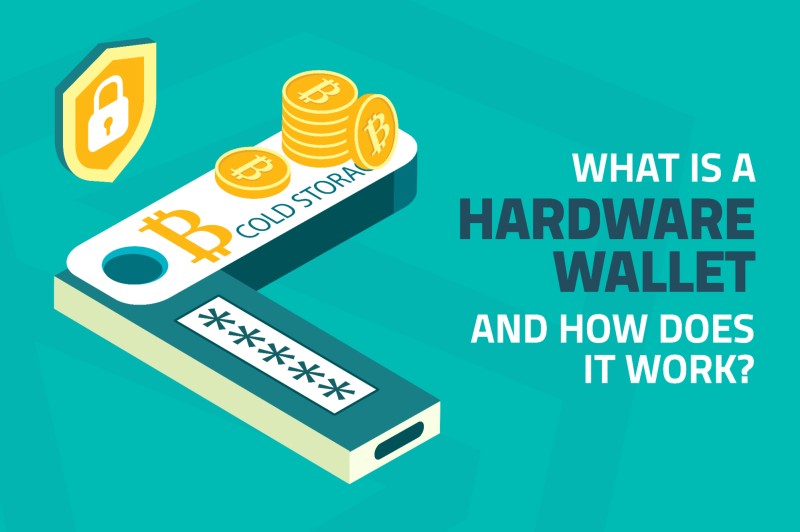
Cold wallets are offline storage. They let you manage funds without private keys touching the net. Most sign the transaction on a secure chip, then only the signed packet leaves the device. For larger sums, a cold wallet is a must.
Two key splits to know
- Custodial: a third party holds your private keys.
- Non-custodial: you control the seed phrase.
- If you don't hold the seed phrase, you don't own the assets.
- Non-custodial matches crypto's core idea: nobody freezes your funds.
Paper Wallets
Paper wallets are the simplest form of cold storage. You print or write your keys on paper, often as QR codes. They can receive funds, but to spend you must import keys into another wallet. On Ergo, the paper wallet is seen as the best cold crypto wallet because it is the easiest to set up.
The Ergo paper wallet shows a public key, three addresses, and a seed phrase. You can restore full access through a hot wallet later. But it is read-only. You cannot sign outgoing transactions from paper alone. Treat it like cash. Store it in low humidity, safe from fire, flood, or kids.
Paper wallets predate hardware wallets and are sometimes called the easiest to use because keys are printed for offline storage.
Hardware Wallets
Hardware wallets are physical devices, often USB-like, that store private keys offline using secure chips. They are the gold standard for retail crypto storage. You confirm a send with a button or screen. Examples include Ledger, Trezor, Bitbox, D'CENT, and Tangem.
The downside is cost and setup. Newcomers often find it not intuitive. A plain USB stick can act as cold storage, but dedicated hardware with a secure element is safer. When you look at best crypto hard wallets , these devices come up first for a reason.
The ledger hardware wallet is one common pick. The crypto wallet ledger line includes screen-based models. If you want to learn what is crypto ledger , it is just a device that keeps keys off the net. And the ledger nano x crypto hardware wallet gives mobile support for iOS and Android.
Hardware wallet pros and cons
- Pros: safest option, good for long-term holders.
- Cons: expensive, setup not intuitive for newcomers.
- User must verify recipient address on device screen.
- Backup is via seed phrase, stored separate from device.
Mobile And Offline Device Cold Wallets
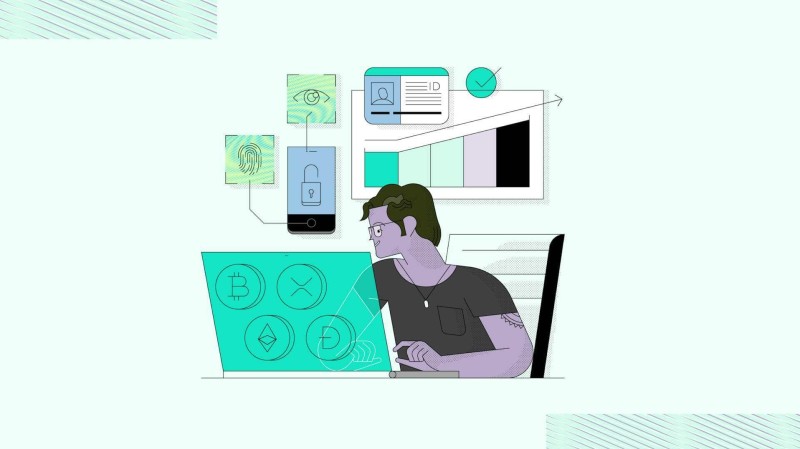
An offline Android device with a wallet app can act as a cold wallet. The Ergo Android Wallet "Cold Wallet" signs transactions off-chain and shows one-time QR codes. You scan with a hot wallet to broadcast. Setup means airplane mode, install app, create wallet, add read-only on online device.
D'CENT Biometric Wallet gives full mobile app support with fingerprint auth. Tangem Mobile Wallet is free and called "the simplest cold wallet. No wires, no stress." These are good when you want the easiest cold wallet to use without a computer.
Brain Wallets
Brain wallets store a 12-word seed phrase in your head. Low-tech backup, but human memory fails. Accidental brain damage could lose funds forever. I would not trust my rent to my own skull.
Brain wallets exist only in your brain, but your brain is fallible.
Best Crypto Physical Wallet Options Compared
When people ask who has the best crypto wallet , the answer shifts by need. D'CENT Biometric is the only hardware wallet with built-in fingerprint and full mobile app. Ledger has market share but charges more for biometrics. Trezor pioneered open-source but has limited iOS app support.
For the best crypto physical wallet under $150, D'CENT stands out. It uses a secure element chip and has zero breaches since 2018. Trezor Safe 5 lacks fingerprint. Ledger Stax has it but costs nearly three times as much.
Quick compare of three brands
- D'CENT Biometric: $139, fingerprint, full mobile, 4,500+ assets.
- Ledger Nano X: $149, no biometric, full mobile, 15,000+ assets.
- Trezor Safe 5: $129, no biometric, limited iOS, 9,000+ assets.
- All three use secure element chips (EAL5+ or higher).
Biometric Security And Why It Can Help
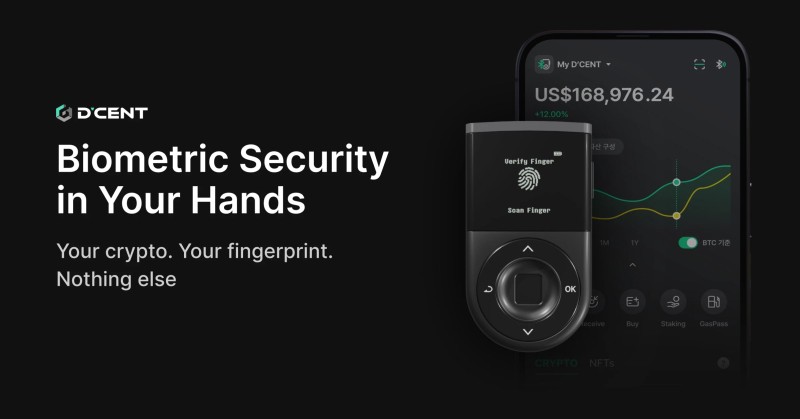
Traditional hardware wallets rely on PIN codes. If someone watches you type, your crypto is at risk. D'CENT uses fingerprint plus PIN. The biometric data never leaves the device. That is a dual layer. Not required, but nice if you worry about shoulder surfers.
Among the three brands, only D'CENT offers fingerprint at $139. Ledger's fingerprint model Stax costs $399. Nearly three times the price for the same idea. For mobile-first users, seamless app matter as much as the chip.
BitBox02 And Sparrow Wallet
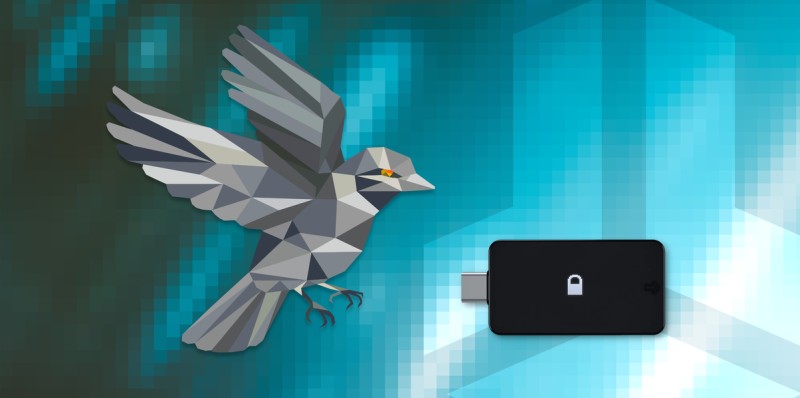
Sparrow Wallet is a Bitcoin wallet focused on self-sovereignty and privacy. It works with BitBox02 hardware. You download Sparrow, prepare BitBox02, choose a server, and create a native segwit wallet with keys on the device.
Always verify the receive address on the BitBox02 secure screen. Malware can swap addresses on your computer. Sparrow shows transaction details so you don't panic before send. Multisig with multiple BitBox02 units adds more security. There is also a Bitcoin-only version with less attack surface.
Software Wallets For Context
Software wallets are hot, not cold. They are the easiest type for beginners per one 2020 write-up. Copay, Blockchain Wallet, Breadwallet, and others are convenient but exposed to malware. Browser wallets like MetaMask face phishing. Web wallets risk online theft.
Desktop wallets like Exodus face virus risk. Full-node wallets store the whole blockchain and are more secure than light wallets, but impractical on phones. Use these for small daily amounts only.
How To Choose The Easiest Cold Wallet To Use
I look at security versus ease. Paper is easiest setup but read-only. Hardware is most secure but costs and learns. D'CENT Biometric adds fingerprint and mobile, making it easiest for phone-first users. The easiest cold wallet to use for you depends on your phone and comfort.
Mobile support matters. Full iOS and Android help beginners. Trezor is limited on iPhone. Biometric is not needed but stops unauthorized access if PIN leaks. Price ranges from $129 to $399 across models. Asset support varies wide.
Factors I weigh
- Security vs ease: paper easy but read-only, hardware safe but costs.
- Mobile support: full iOS/Android helps beginners a lot.
- Biometric: not needed but blocks PIN theft.
- Price: D'CENT $139, Ledger Nano X $149, Trezor $129, Stax $399.
- Asset count: Ledger 15k+, Trezor 9k+, D'CENT 4.5k+.
- Long-term: cold essential, hot for small amounts only.
Use non-custodial. Always verify receive address on hardware screen.
Best Cold Storage For Cryptocurrency
The best cold storage for cryptocurrency is the one you will actually use right. If you need offline and simple, paper works for long-term. If you trade size, hardware is the call. Mobile offline devices fill the middle.
On Ergo, paper and Android offline are current cold options. Ledger support was expected later. From one setup guide, you buy hardware, create seed phrase, back it up, then link hot wallet like Bridge Wallet. Web apps double check the URL.
What Is The Safest Digital Wallet For Cryptocurrency
If you ask what is the safest digital wallet for cryptocurrency , the honest answer is a cold non-custodial wallet you control. Hardware with secure chip and seed backup is top. Paper is safe if stored well but limited. Brain wallets are risky.
The safest is worthless if you lose the seed. Store it separate from the device. Use non-custodial always. Verify addresses on the hardware screen to dodge malware. That is the real safety, not just the chip.
How To Get A Hardware Wallet
When you want to how to get a hardware wallet , buy from the maker or a known reseller. Avoid random third-party paper generators that may keep your key. For hardware, set up on a clean device and write the seed by hand.
D'CENT is made by IoTrust in Seoul. Tangem is Swiss. BitBox02 is by Shift Crypto in Zurich. All named in source. Prices vary by region and promo, so check the site direct.
Security Risks And Best Practices
Cold wallets are offline, but physical risks remain. Damage, theft, fire, flood. Keep hardware in a home safe. Paper like money, low humidity. Hardware password protected, seed stored apart.
For paper wallets, use an offline generator, delete browser history, new computer ideal. Avoid third-party paper wallets that may keep key. Centralized exchanges are convenient but not a great idea for storage. Self-custody via cold wallet is the better path.
Plain best practices
- Keep cold wallet in safe place, away from water and heat.
- Store seed phrase separate from the device.
- Verify receive address on hardware screen every time.
- Use non-custodial wallets to keep your own keys.
- Don't keep large sums on exchanges or hot wallets.
Not your keys, not your coins.
Company And Product Notes
D'CENT by IoTrust, CEO Baek Sang Su, Seoul. Zero breaches since 2018. Products: Biometric, Card, free Software Wallet. Tangem AG, Switzerland, provides hardware and non-custodial software, not regulated, doesn't hold assets. BitBox02 by Shift Crypto, Zurich, open source.
Tangem says "Start your crypto journey with the simplest cold wallet. No wires, no stress." That fits users who want the easiest cold wallet to use with no cables. D'CENT markets fingerprint as the easy mobile gate. Both are real options from the source.
My Plain Take On Picking
I would not overthink it. If you hold a little and hate tech, paper or Tangem gets you offline. If you hold a lot and use a phone, D'CENT Biometric is smooth. If you want open-source and desktop, Trezor or BitBox02 with Sparrow.
The easiest cold wallet to use is the one you understand and will protect. A fancy device unused is worse than paper you check. Start with small sums, learn the seed, then scale cold. That is the calm path.
Comments on “How To Choose The Easiest Cold Wallet To Use For Keeping Crypto Safe”
No comments yet. Be the first to share your thoughts.